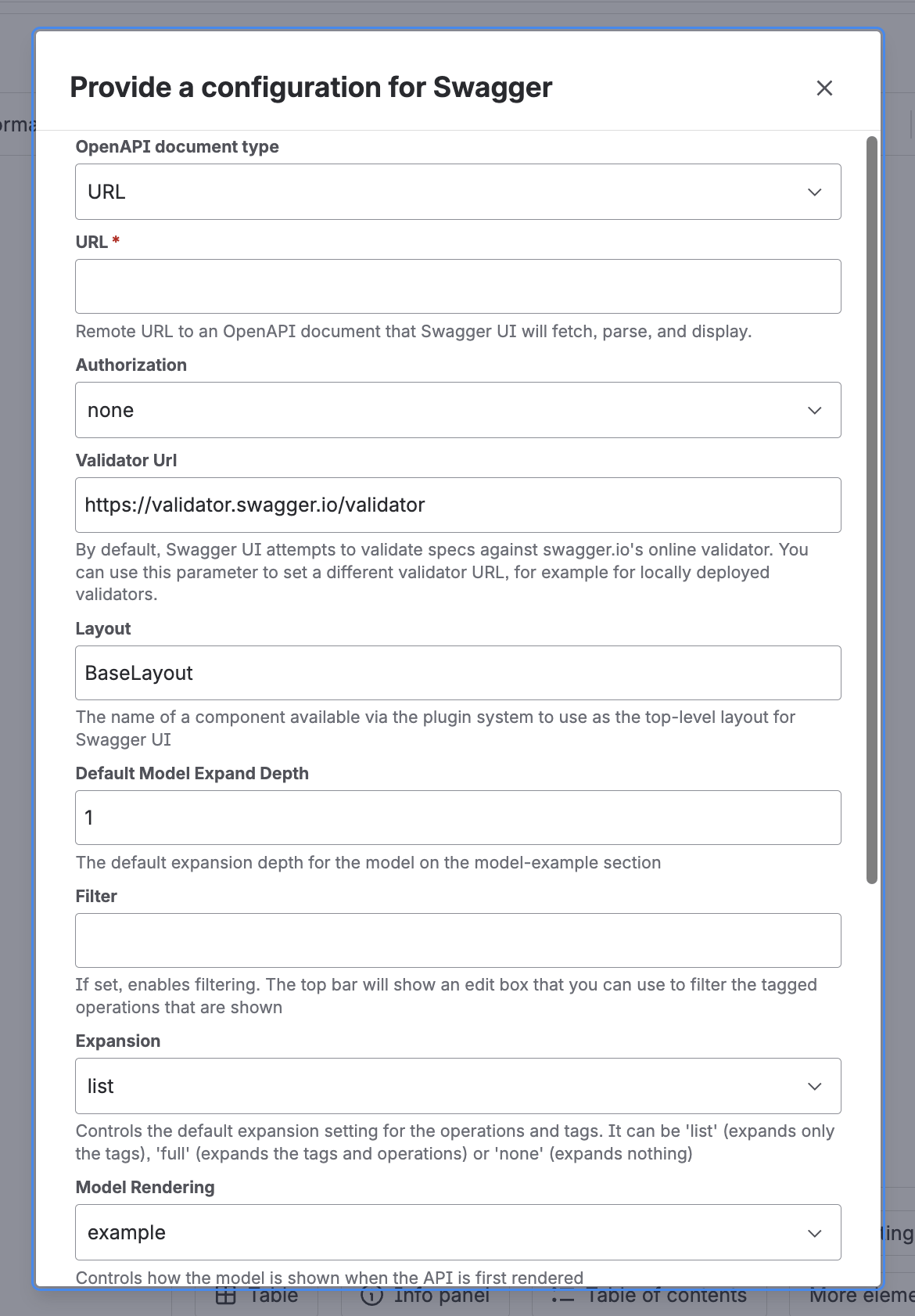
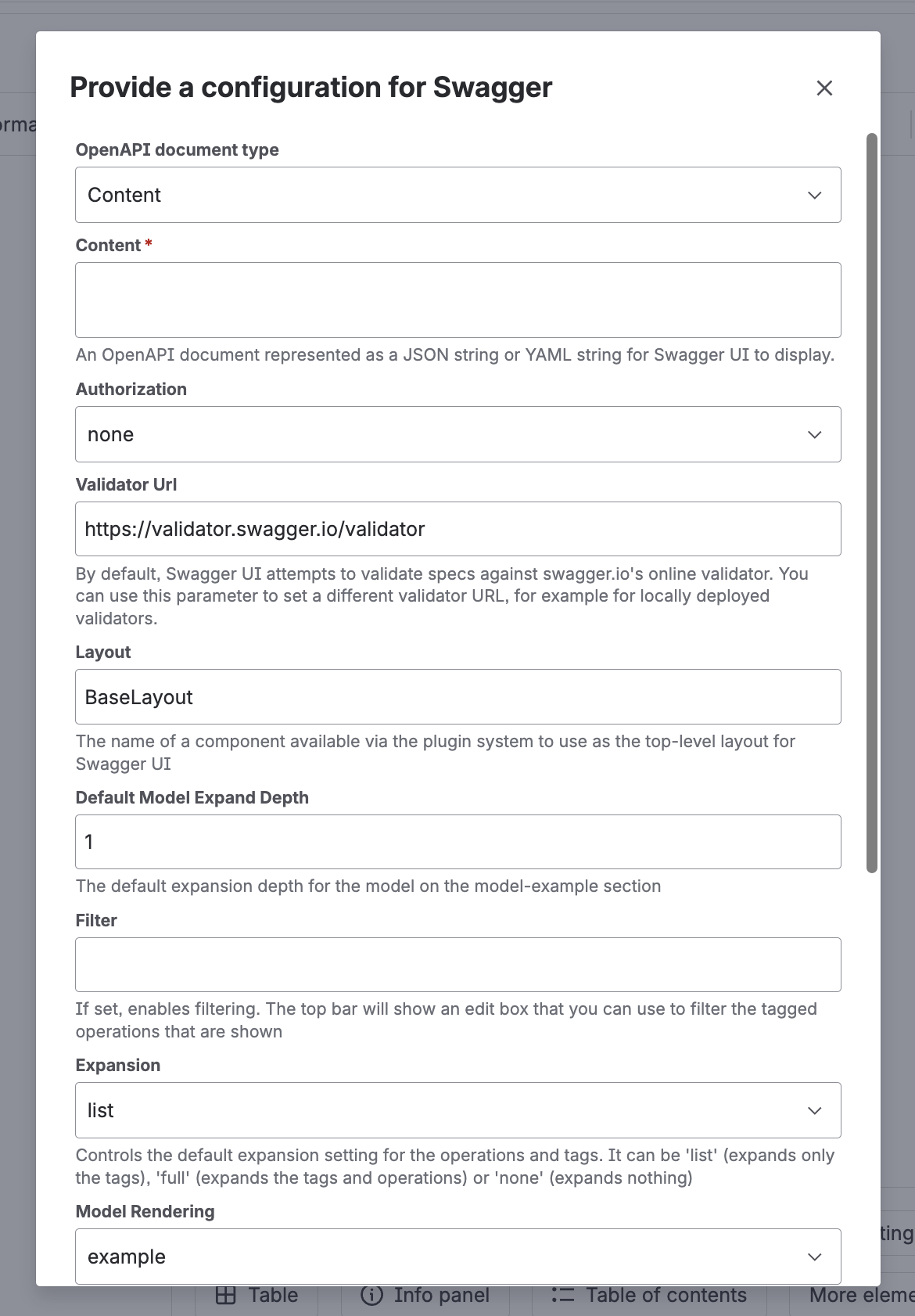
| OpenAPI document type | — | URL or Content. Default: URL |
| URL | When type is URL | Must start with http:// or https:// |
| Content | When type is Content | The OpenAPI/Swagger document as a JSON or YAML string. Not validated — invalid content fails silently in the viewer |
| Authorization | No | none (default), Basic, or Api Key — pre-fills credentials so Swagger UI can authorize Try it out requests automatically on load |
| Login / Password | When Authorization is Basic | Stored in the macro config |
| Api Key | When Authorization is Api Key | Stored in the macro config |
| Validator URL | No | Default: https://validator.swagger.io/validator. Clear it to disable the validation badge |
| Layout | No | Default: BaseLayout — the name of a Swagger UI plugin component to use as the top-level layout. Leave as is unless a custom plugin registers another layout |
| Default Model Expand Depth | No | Default: 1. How many levels of a schema model are expanded by default; -1 expands fully |
| Filter | No | Default: empty (disabled). When set, shows a filter box in the top bar pre-filled with this value |
| Expansion | No | list (default), full, or none — default expansion of tags and operations |
| Model Rendering | No | example (default) or alpha — which tab is active by default in the request/response body section |
| Supported Submit Methods | No | Multi-select of get, put, post, delete, options, head, patch, trace. Default: all selected. Removing a method hides Try it out for operations of that method only — it doesn’t remove them from the list |
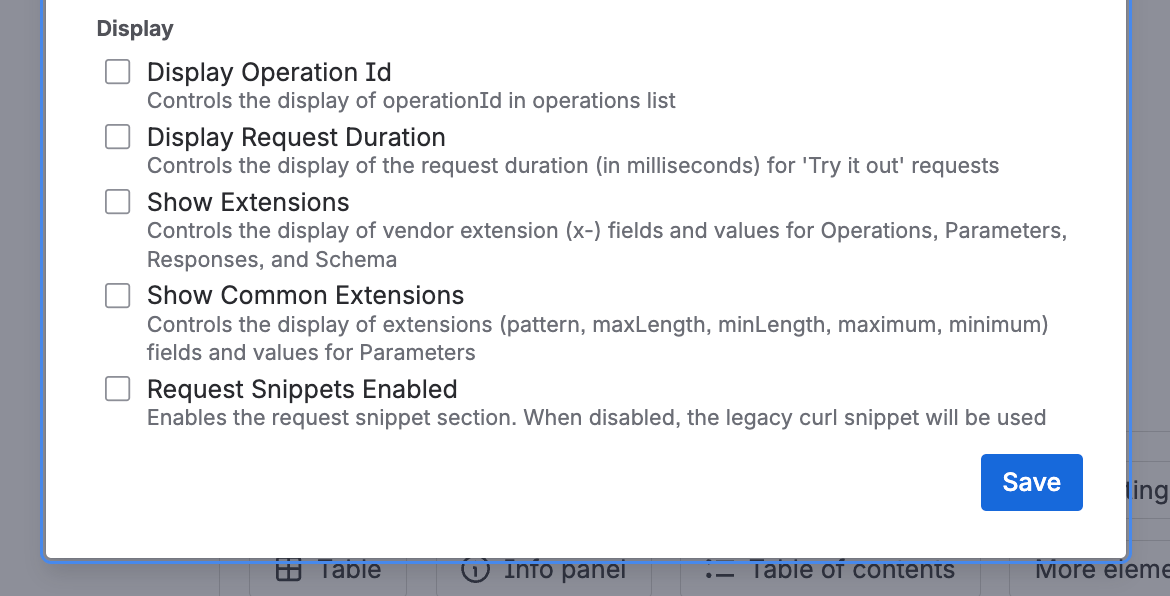
| Display | No | Checkboxes, all off by default — see below |