There’s no site-wide settings screen. Each macro is configured individually, the first time you insert it on a page and any time afterward you choose to edit it.

Stoplight Elements macro

Renders any OpenAPI document. Choose Stoplight document type first — it determines whether you provide a URL or paste the document directly, and only the matching field is required.
FieldRequiredNotes
Stoplight document typeURL or Document. Default: URL
API Description URLWhen type is URLMust start with http:// or https://. Supports documents that use $ref to other http(s) documents
API Description DocumentWhen type is DocumentThe OpenAPI document as a YAML string, JSON string, or JavaScript object
Base PathNoHelps when Router is history but the page lives in a subdirectory, e.g. https://example.com/docs/api
Try It CORS ProxyNoURL of a CORS proxy, prepended to outgoing Try It requests
Try It Credential PolicyNoomit (default), include, or same-origin — used for Try It fetch calls
LayoutNosidebar (default) or stacked — controls the column design
RouterNohistory (default), hash, memory, or static — controls how in-page navigation works
FilterNoHide Internal — filter out content marked x-internal. Hide Try It — hide the Try It console
With Stoplight document type set to URL, the form shows the API Description URL field:
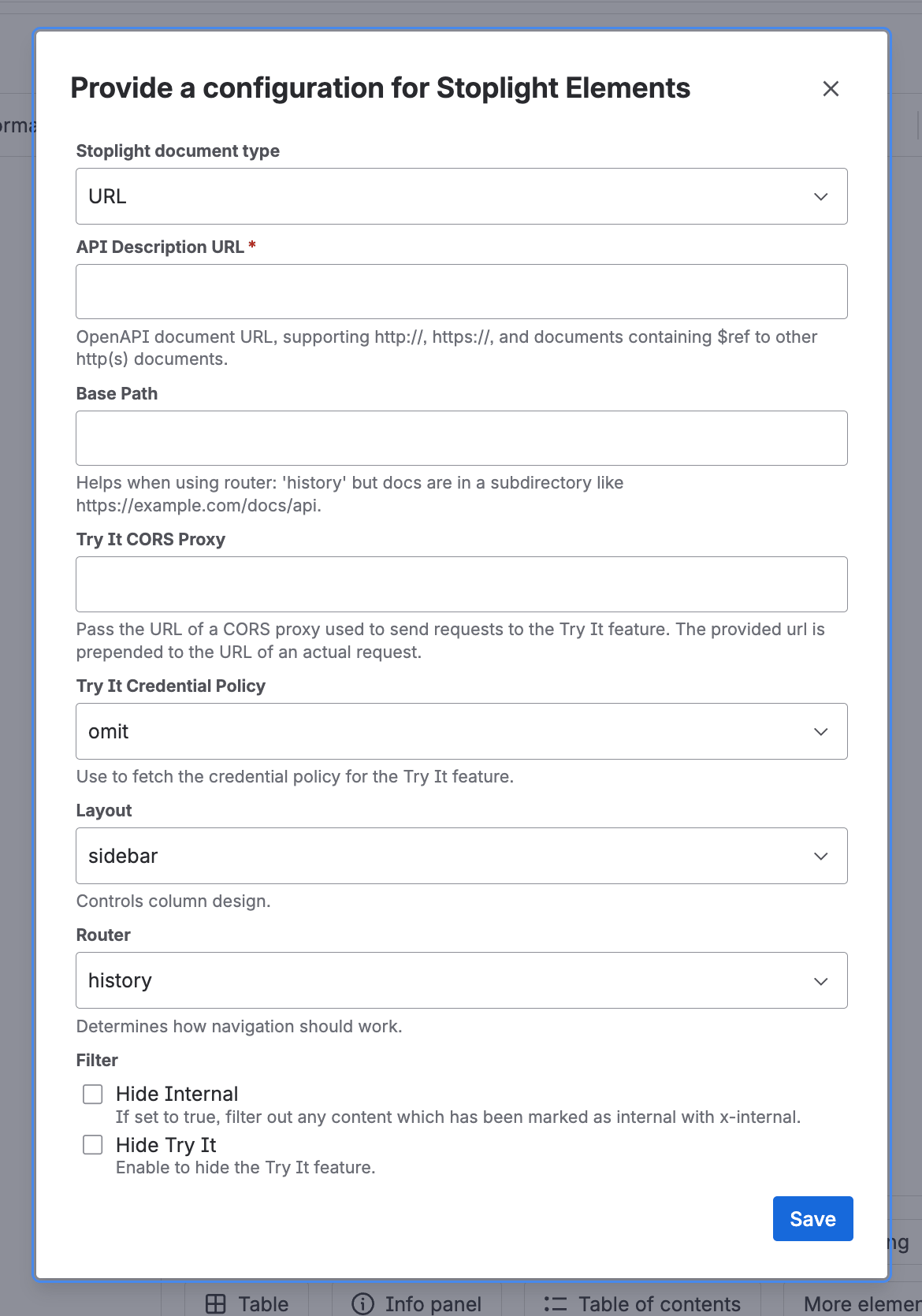
Stoplight Elements macro configuration form with document type set to URL
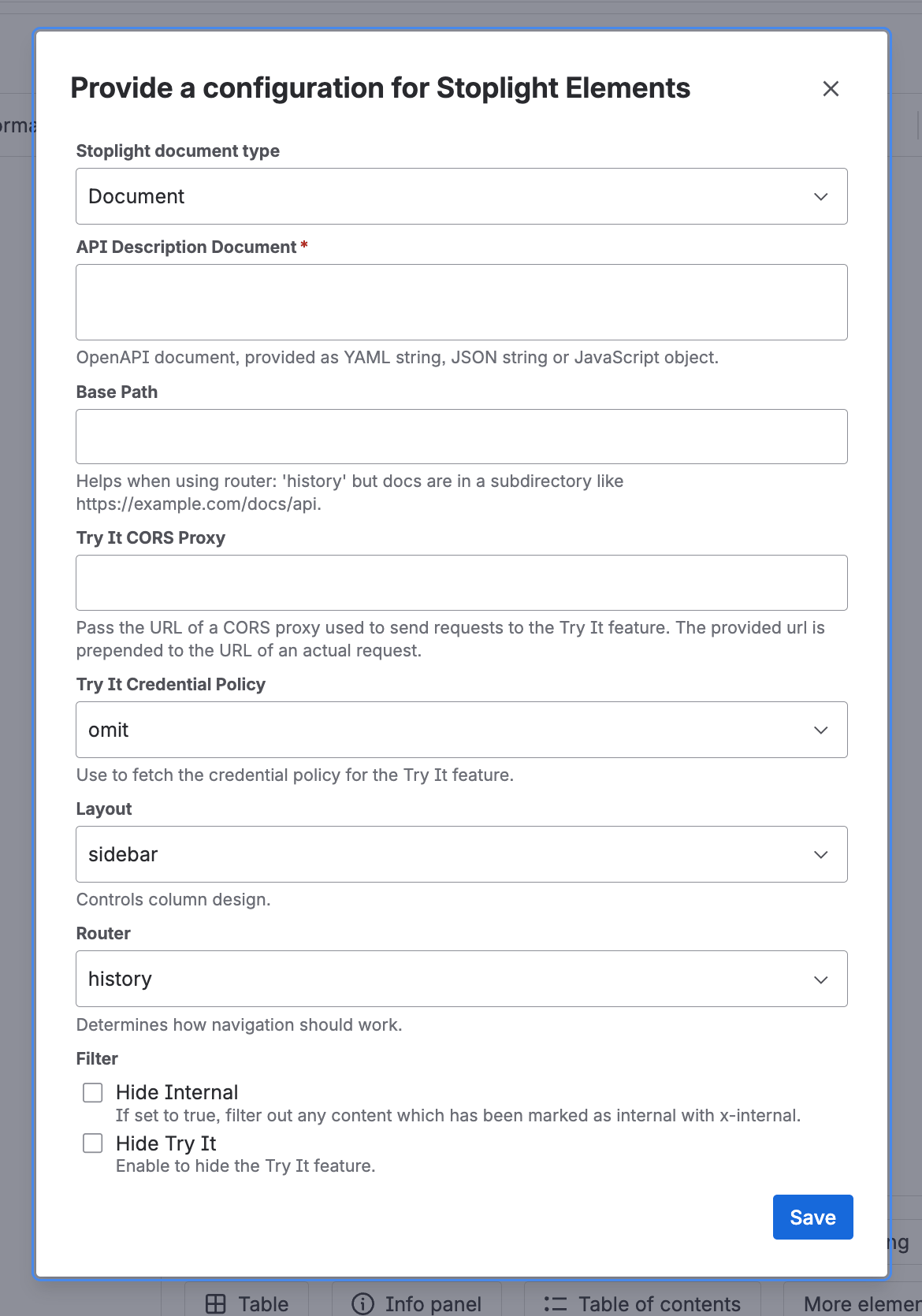
With it set to Document, the API Description URL field is replaced by the API Description Document text area:
Stoplight Elements macro configuration form with document type set to Document

Stoplight Elements Dev Portal macro

Renders a full project hosted on Stoplight’s platform. Requires a paid plan on stoplight.io.
FieldRequiredNotes
Project IDYesFound on the Project Settings screen in Stoplight
Platform URLYesDefaults to https://stoplight.io/ — most people can leave this as is; some enterprise customers need to change it
Base PathNoSame purpose as the Elements macro’s Base Path
Try It CORS ProxyNoSame purpose as the Elements macro’s CORS Proxy
Try It Credential PolicyNoomit (default), include, or same-origin
RouterNohash (default), history, memory, or static
FilterNoCollapse Table Of Contents — stop the table of contents auto-expanding folders and endpoint lists, useful for large projects. Hide Mocking — disable mocking options and remove mock server mentions. Hide Try It — hide the Try It console
The full config form for the Dev Portal macro:
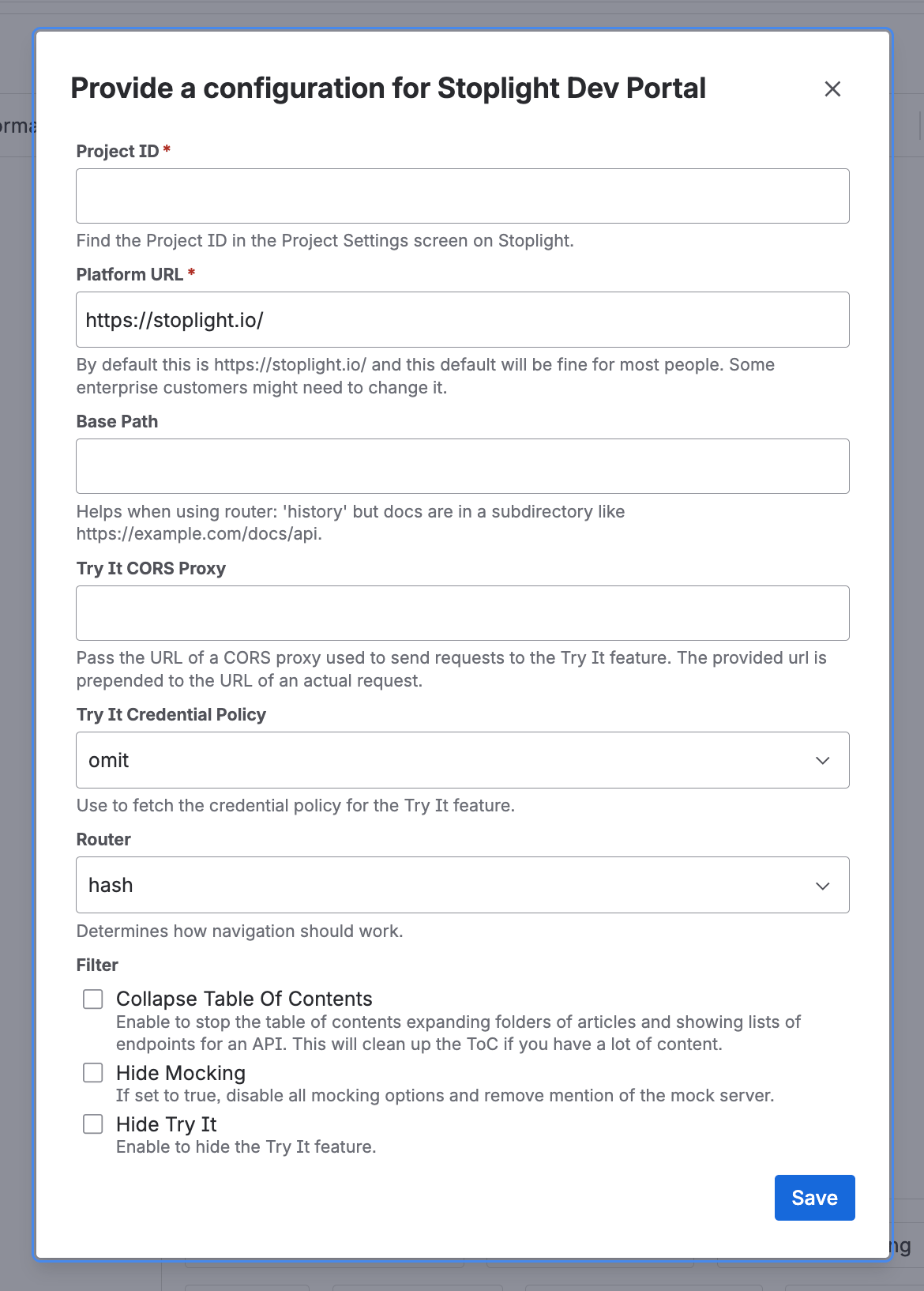
Stoplight Elements Dev Portal macro configuration form

Permissions

Anyone with edit access to a Confluence page can insert the macro and change its configuration. Page viewers without edit access only see the rendered output.