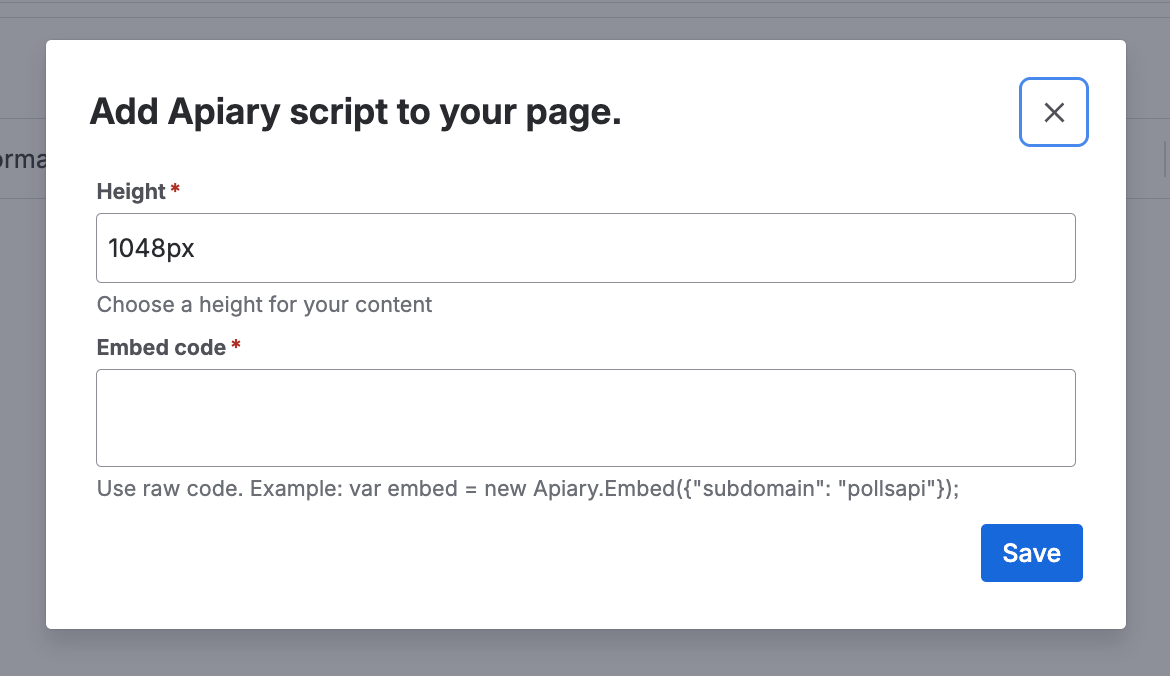
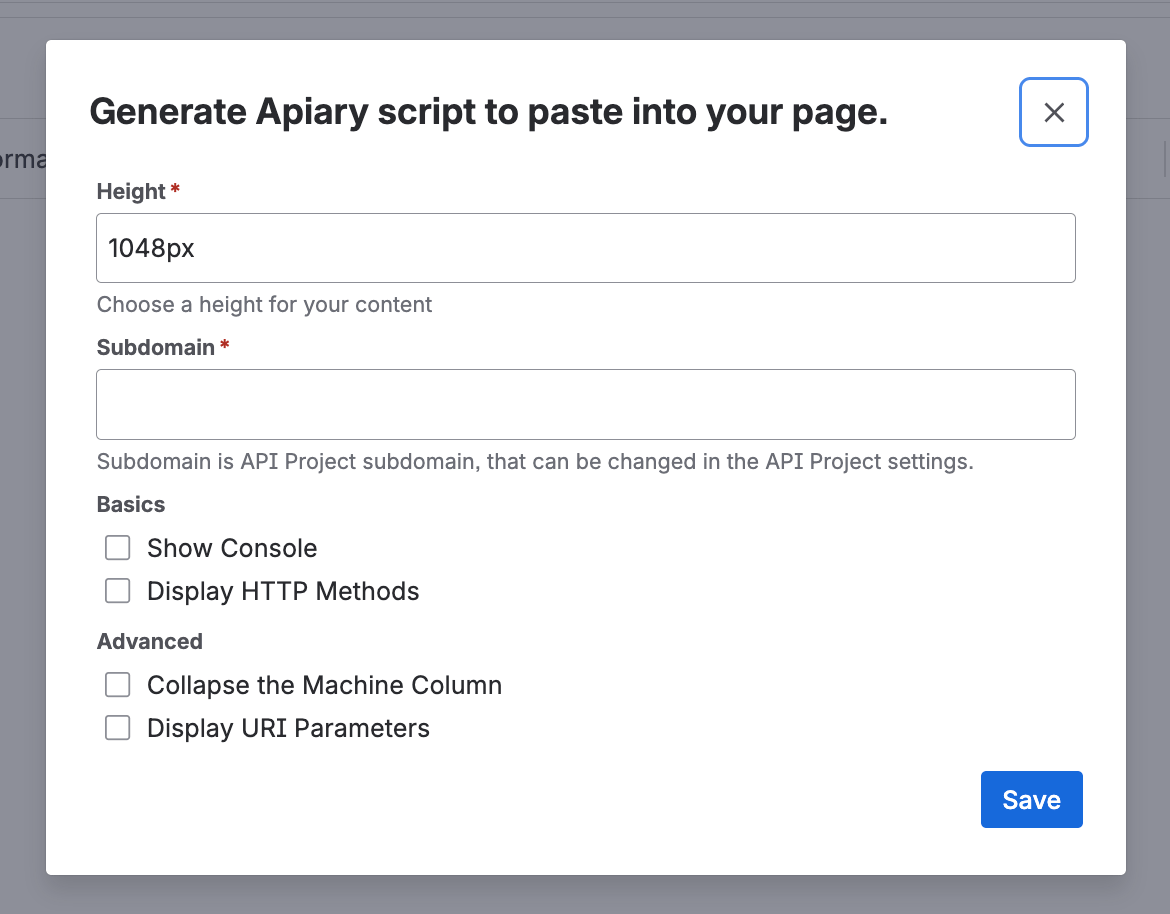
There’s no site-wide settings screen. Each macro is configured individually, the first time you insert it on a page and any time afterward you choose to edit it.

Apiary Embed (raw code) macro

Renders an Apiary API Project from the exact embed script Apiary generates for it.
FieldRequiredNotes
HeightYesFixed iframe height for the embed, e.g. 1048px. Default: 1048px
Embed codeYesThe full snippet from Apiary’s embed generator, pasted as-is — for example var embed = new Apiary.Embed({"subdomain": "pollsapi"});. Not validated — invalid code fails silently in the viewer
Apiary Embed (raw code) macro configuration form

Apiary Embed (generate code) macro

Builds the embed for you from a subdomain and a set of display toggles, instead of requiring the raw script.
FieldRequiredNotes
HeightYesFixed iframe height for the embed. Default: 1048px
SubdomainYesThe API Project’s subdomain, set in the Apiary project’s settings
Show Console (Basics)NoDefault: on. Shows the request console in the machine column
Display HTTP Methods (Basics)NoDefault: off. Shows HTTP method names in the human column’s action buttons
Collapse the Machine Column (Advanced)NoDefault: off. Hides the machine column by default when the documentation opens
Display URI Parameters (Advanced)NoDefault: off. Shows URI parameters in the human column
Apiary Embed (generate code) macro configuration form

Permissions

Anyone with edit access to a Confluence page can insert either macro and change its configuration. Page viewers without edit access only see the rendered output.